The Ultimate Guide to SEO-Optimized Content Creation (That Scales With Automation)

The Ultimate Guide to SEO-Optimized Content Creation (That Scales With Automation)
If you're serious about growing organic traffic, you can't rely on random posts and inspiration-driven writing. You need a repeatable, SEO-optimized content creation system that works across all your blogs and platforms — and ideally, one you can automate.
This guide breaks down a practical, scalable workflow you can use whether you're managing a single WordPress blog or multiple Webflow and Shopify sites with tools like BlogDesk.
Why SEO-Optimized Content Creation Matters More Than Ever
Search is still one of the highest-intent traffic channels. But the bar has been raised:
- Google expects helpful, in-depth content tailored to search intent
- Users expect fast, skimmable, value-packed posts
- Brands need consistent publishing across platforms to stay competitive
Without a system, you end up with:
- Irregular posting schedules
- Thin, non-ranking content
- Burnout from trying to do everything manually
A structured, partially automated workflow solves this by combining:
- Smart keyword strategy
- SEO-friendly structure
- Content automation for drafting and publishing
- Continuous optimization based on performance
Step 1: Clarify Your SEO & Content Goals
Before you open a blank editor or prompt an AI, define what success looks like.
Ask yourself:
- Primary goal: Organic traffic, leads, sales, email signups?
- Target audience: Who are you writing for? (e.g., SaaS founders, Shopify store owners, marketing teams)
- Content role: Attract new visitors, nurture existing audience, or convert?
Map your goals to content types:
| Goal | Ideal Content Types |
|---|---|
| Organic traffic | Long-form guides, how-tos, comparison posts |
| Leads | Checklists, templates, downloadable resources |
| Sales | Product-led articles, case studies, feature breakdowns |
Defining this upfront keeps your content creation and blogging tips focused and measurable.
Step 2: Build a Keyword-First Content Strategy
2.1 Find High-Intent, Realistic Keywords
For most bloggers and small businesses, ranking for broad terms like "SEO" or "marketing" isn't realistic. You need long-tail, intent-focused keywords.
Look for keywords that are:
- Specific: "best email marketing tools for Shopify" vs. "email marketing"
- Intent-rich: "how to set up blog on Webflow" indicates clear need
- Volume + opportunity balanced: Not zero searches, not ultra-competitive
You can use any keyword tool, then plug your chosen keywords into an AI-powered platform like BlogDesk to generate SEO-optimized article briefs and outlines.
2.2 Organize Content Into Topic Clusters
Instead of isolated posts, think in clusters:
- One broad pillar page (e.g., "Complete Guide to Shopify SEO")
- Multiple supporting articles (e.g., "How to Write Product Descriptions for SEO", "Shopify Blog SEO Checklist")
This structure helps Google understand your topical authority and improves internal linking.
Step 3: Design a High-Converting, SEO-Friendly Outline
A strong outline saves time and leads to better rankings.
Core elements of an SEO-optimized outline:
-
Compelling H1 with your primary keyword
-
Introduction that:
- Validates the problem
- Sets expectations
- Promises a clear outcome
-
Logical H2/H3 hierarchy matching search intent
-
Sections for featured snippets (definitions, steps, lists)
-
FAQ section addressing related queries
You can draft outlines manually or let BlogDesk's AI propose structures tailored to your keyword, then refine them for your brand voice.
# H1: Ultimate Guide to [Primary Keyword]

## H2: What Is [Primary Keyword]?
- Short, clear definition

## H2: Why [Primary Keyword] Matters for [Audience]
- Benefits
- Stats or examples

## H2: Step-by-Step: How to Do [Primary Keyword]
### H3: Step 1 – ...
### H3: Step 2 – ...

## H2: Common Mistakes to Avoid

## H2: FAQs About [Primary Keyword]
Step 4: Draft Faster With AI — Without Losing Quality
AI content generation is no longer optional if you want to publish consistently at scale. The key is knowing what to automate and what to control manually.
4.1 What to Let AI Handle
-
First drafts for:
- How-to guides
- Product comparisons
- List posts
-
Repetitive explanations & definitions
-
Title variations & meta descriptions
4.2 What to Keep Human
- Strategy and topic selection
- Brand positioning, opinions, and stories
- Final editing, fact-checking, and tone
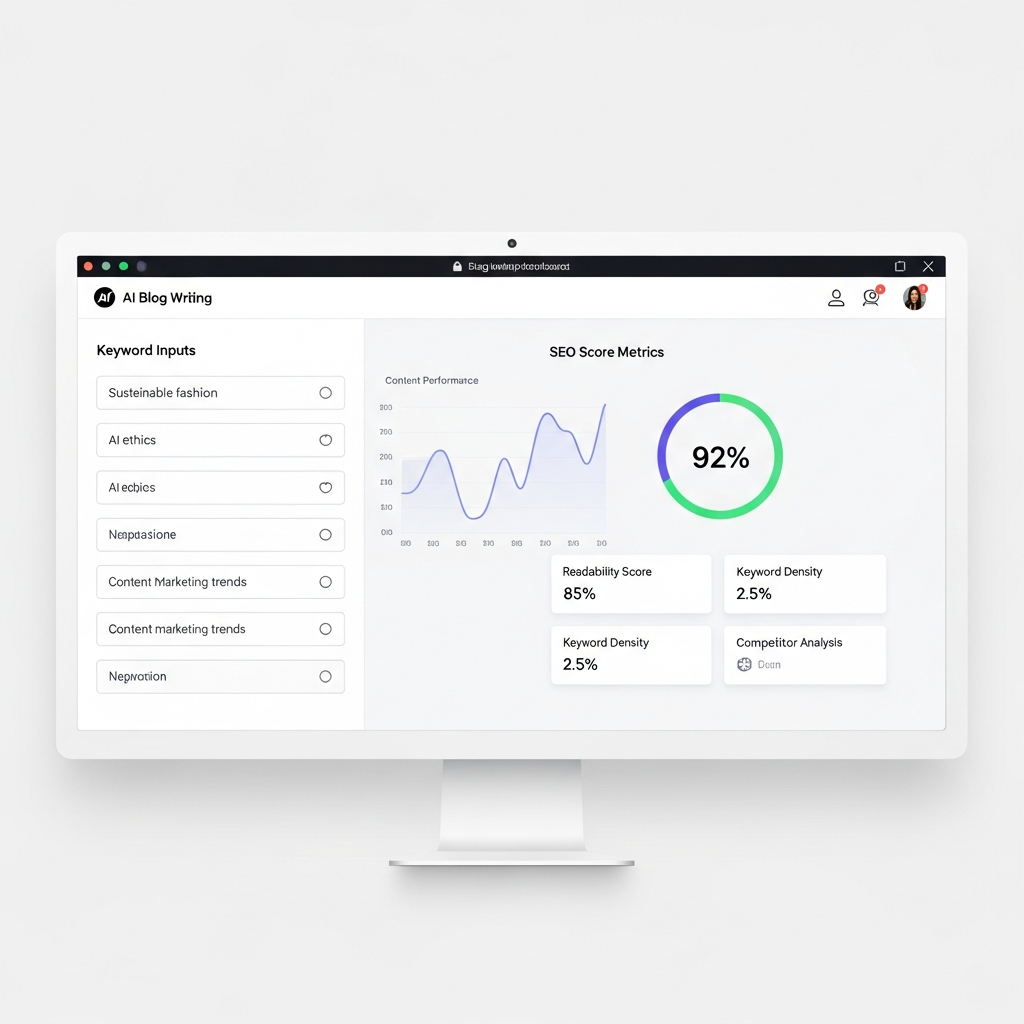
Platforms like BlogDesk are built exactly for this blend: you define the topic, keyword, and angle, and the AI generates SEO-optimized drafts you can review, tweak, and publish across WordPress, Webflow, and Shopify.
Step 5: On-Page SEO Essentials for Every Post
Even the best article can underperform if basic on-page SEO is missing. Use this checklist for every piece of content.
5.1 Titles & Meta Data
- Title (H1): Include your primary keyword naturally
- Meta title: 50–60 characters, keyword near the start
- Meta description: 120–160 characters, keyword + clear benefit
Example:
- Meta title:
Ultimate Guide to SEO-Optimized Content Creation - Meta description:
Learn a step-by-step system for SEO-optimized content creation to grow organic traffic, streamline blogging, and scale publishing with automation.
5.2 URL & Slug
- Keep it short, descriptive, and keyword-focused
- Use hyphens, no special characters
Example: yourdomain.com/seo-optimized-content-creation-guide
5.3 Headers & Structure
- Use one H1 per page
- Use H2/H3 to create a scannable hierarchy
- Naturally include variations of your target keyword in headings
5.4 Internal & External Links
- Link to related posts and pillar pages
- Link out to authoritative external resources when relevant
- Make anchor text descriptive (avoid "click here")
If you're managing multiple sites, BlogDesk's content automation makes it easier to keep your internal linking consistent across all your blogs.
Step 6: Make Content Actually Readable (and Engaging)
Search engines reward content that users actually consume. Improve engagement with:
6.1 Reader-Friendly Formatting
- Short paragraphs (2–4 lines)
- Bullet points and numbered lists
- Descriptive subheadings
- Pull quotes or key takeaways
6.2 Visuals That Add Value
Use images to explain, not just decorate:
- Process diagrams
- Annotated screenshots
- Before/after comparisons
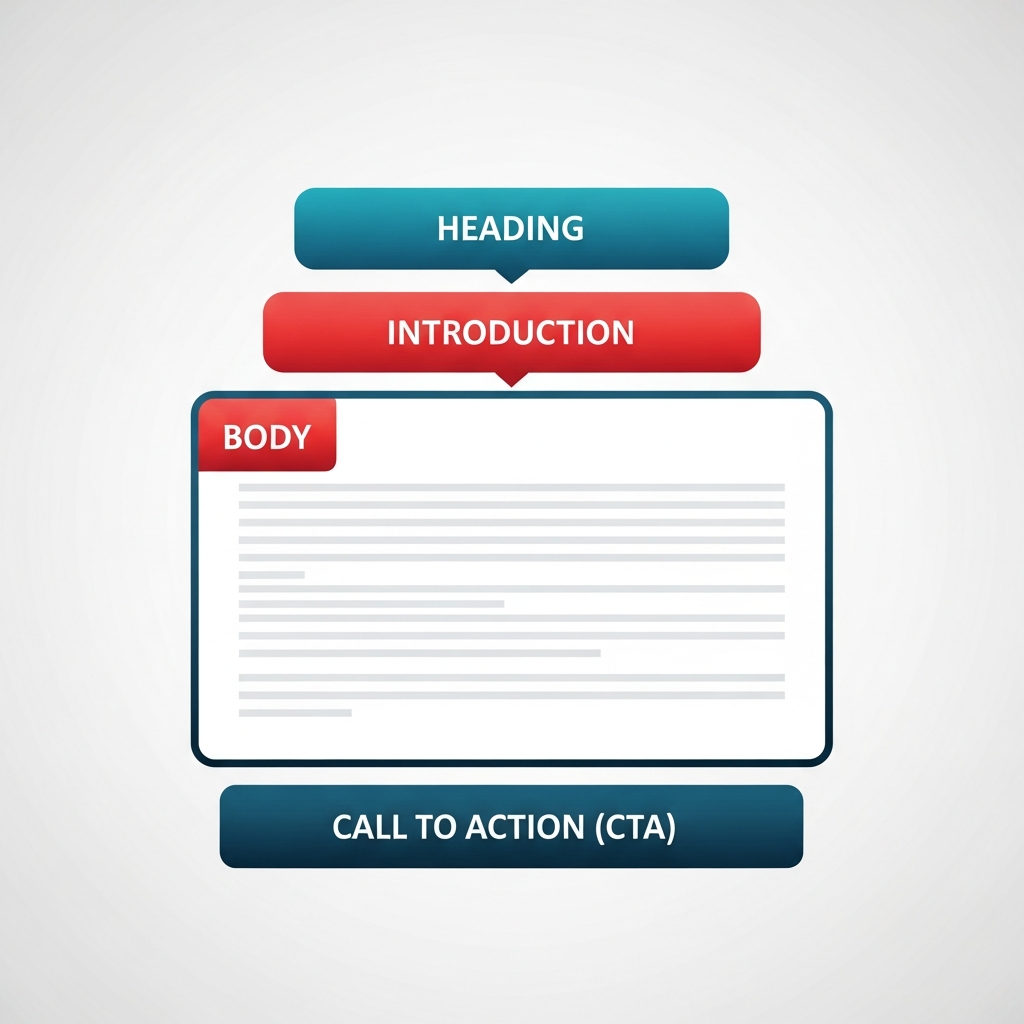
6.3 Clear, Specific CTAs
End each post with a next step:
- Read a related guide
- Download a checklist
- Start automating your content with a tool like BlogDesk
Step 7: Optimize for Multiple Platforms (WordPress, Webflow, Shopify)
Your content workflow should work no matter where you publish.
7.1 WordPress Blogging Tips
- Use an SEO plugin to manage titles, metas, and sitemaps
- Assign each post to a relevant category and tags
- Enable fast caching and image compression
7.2 Webflow Blogging Tips
- Define consistent CMS fields for SEO (title, meta, slug)
- Use clean, semantic headings in your templates
- Ensure mobile-optimized layouts for better UX signals
7.3 Shopify Blogging Tips
- Use blog posts to support product and collection pages
- Internally link from blog posts to products and vice versa
- Target long-tail, purchase-intent queries ("best X for Y use case")
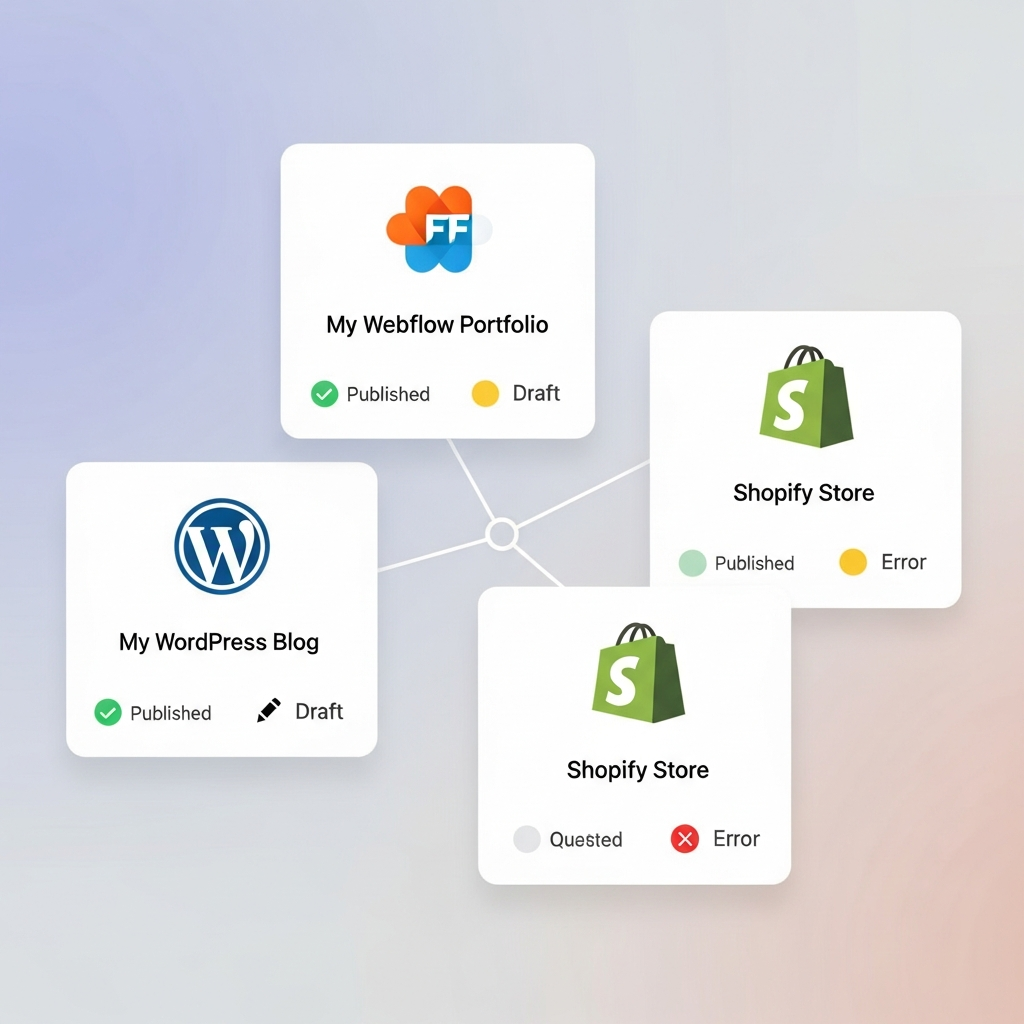
With BlogDesk, you can generate the content once and publish it across these platforms without copy-paste chaos, thanks to its multi-site blogging support and direct integrations.
Step 8: Create a Repeatable, Automated Workflow
The difference between casual blogging and serious growth is process.
Here's a simple weekly system you can automate with BlogDesk:
-
Plan (1 day per month)
- Batch your keyword research
- Build or update your content calendar
-
Draft (1–2 days per month)
- Use AI to generate first drafts for all planned posts
- Assign posts to team members (or yourself) for review
-
Edit & Optimize (weekly)
- Human review for accuracy, tone, and structure
- Finalize on-page SEO details (titles, metas, internal links)
-
Publish & Distribute (weekly)
- Schedule posts to WordPress, Webflow, or Shopify
- Share to email and social channels
-
Measure & Improve (monthly)
- Review traffic, rankings, and engagement
- Update underperforming content
Automation tools like BlogDesk streamline steps 2–4, so you can focus on strategy and analysis instead of manual formatting and uploading.
Step 9: Measure What Matters and Continuously Improve
SEO-optimized content creation is not "set and forget". Track:
- Organic traffic per post (over 30, 60, 90 days)
- Keyword rankings for target terms
- Engagement metrics: time on page, bounce rate, scroll depth
- Conversions: email signups, demo requests, purchases
Use these insights to:
- Update outdated information
- Add missing sections to meet search intent better
- Improve internal links from high-traffic pages to key offers
BlogDesk's automation lets you quickly edit and republish improved versions of your content across all connected platforms.
Putting It All Together
An effective SEO-optimized content creation system looks like this:
- Clear goals and audience
- Keyword-driven topic selection and clusters
- Strong, intent-matched outlines
- AI-assisted drafting (with human editing)
- On-page SEO best practices baked in
- Engaging formatting and visuals
- Multi-platform publishing with automation
- Ongoing measurement and optimization
If you're ready to move from sporadic blogging to a sustainable, scalable content engine, explore how BlogDesk can automate your SEO-optimized drafting, editing, and blog publishing workflows — so you can spend more time on strategy and less time wrestling with CMS editors.
For more about the platform and how your data is handled, you can also check:
And when you're ready to streamline your process, you can sign in or create an account at blogdesk.ai/signin.